 Savanis
 KNEC Releases KJSEA Sample Papers: How to Download Step-by-Step
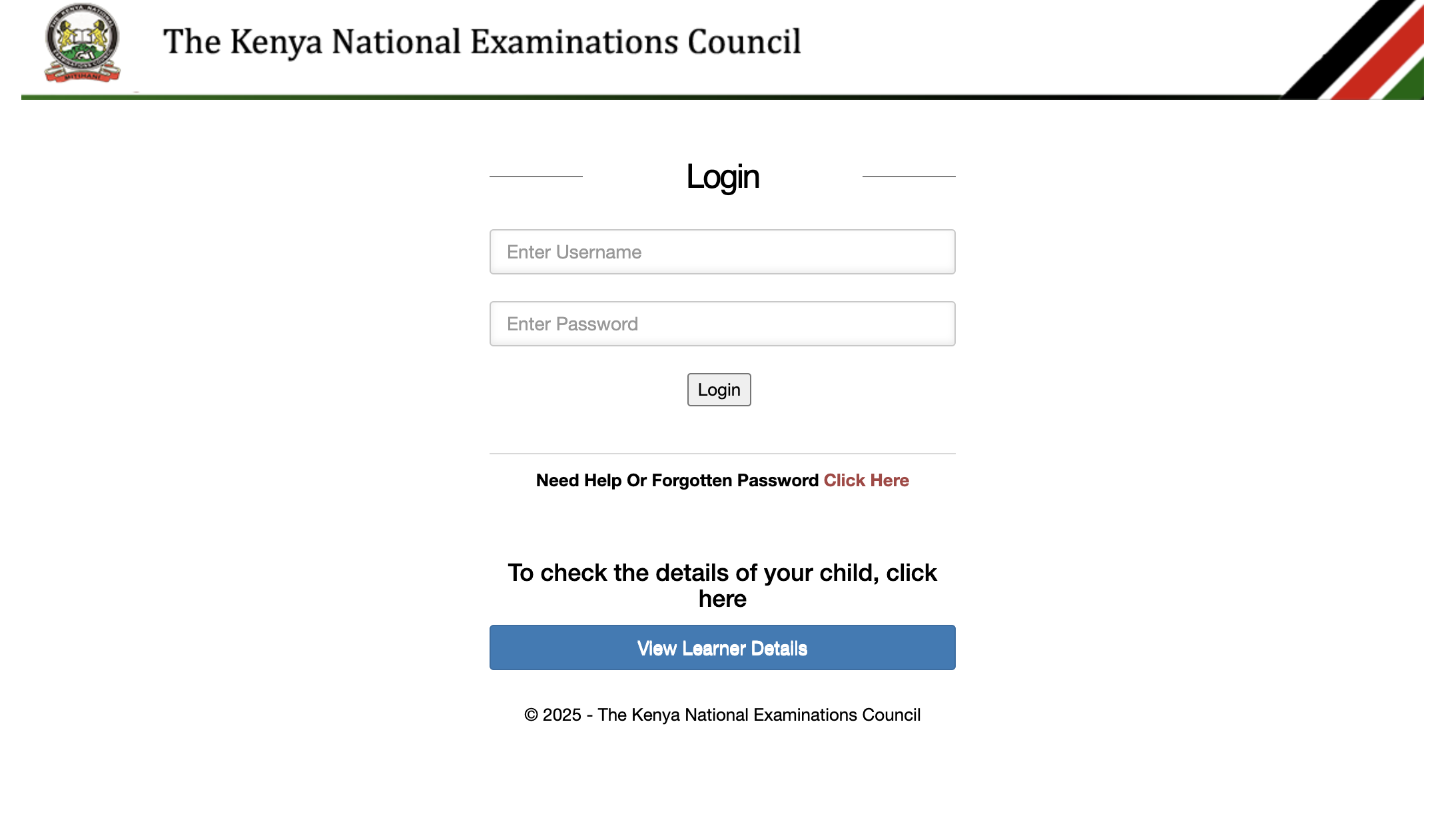
The Kenya National Examinations Council (KNEC) has announced that the Kenya Junior Education Assessment (KJSEA) sample papers are now available to all junior secondary schools. These papers provide students with essential practice materials in preparation for their junior secondary assessments.
This article outlines the importance of the KJSEA sample papers and offers a step-by-step guide on how schools can download them through the Competency-Based Assessment (CBA) portal.
What Are KJSEA Sample Papers?
KJSEA sample papers are designed to help students get familiar with the assessment format and test their knowledge in various subjects that are part of the junior secondary curriculum. The subjects covered include:
- English
- Kiswahili
- Mathematics
- Pre-technical Studies
- Integrated Science
- Other subjects as per the junior secondary curriculum
These sample papers aim to give students the opportunity to practice and improve their understanding before sitting for their final KJSEA exams.
How to Download KJSEA Sample Papers: Step-by-Step Guide
Schools can follow these steps to download the KJSEA sample papers from the CBA portal:
Step 1: Access the CBA Portal
Begin by navigating to the Competency-Based Assessment (CBA) portal. Use the following link to access the portal: cba.knec.ac.ke or simply search for "CBA portal" in your web browser.
Step 2: Log In
Log into the portal by entering your school’s assessment centre login credentials. This step ensures that only authorized personnel have access to the exam materials.
Step 3: Navigate to the Grade 8 Portal
Once logged in, locate the Grade 8 portal. This section contains resources and information specific to schools preparing students to transition from Grade 8 to Grade 9.
Step 4: Select "Instructions & Sample Papers"
Within the Grade 8 portal, click on the button labeled "Instructions & Sample Papers." This will direct you to the page where the sample papers are stored.
Step 5: View Uploaded Papers
After clicking on the "Instructions & Sample Papers" button, a list of uploaded KJSEA sample papers will appear on your screen. Browse through the papers to find the subjects that you need.
Step 6: View Specific Paper
To view a specific sample paper, click on the "View" button next to the title of the paper. This allows you to preview the paper before downloading.
Step 7: Download Paper
If you wish to download a sample paper for offline access or printing, click on the "Download" button next to the paper title. The document will then be saved to your device.
Step 8: Log Out
Once you have finished accessing or downloading the necessary papers, it is important to log out of the portal. Logging out helps maintain the security of your login credentials and prevents unauthorized access to sensitive information.
Final Thoughts
The release of KJSEA sample papers by KNEC is a significant step in helping students adequately prepare for their assessments. By providing access to these materials, schools can ensure that students are familiar with the exam format and have ample opportunity to practice before the final assessments.
Be sure to follow the steps outlined above to access and download the sample papers for your students, and remember to keep your login credentials confidential to protect sensitive data.
PAYE Tax Calculator
Popular Posts

Top 10 Must-Read Romantic Novels to Set Your Heart Aflutter
Getting Started
Agriculture Grade 5
Getting Started
Create a HACK program Div.asm
Getting Started
Mastering Languages with the Duolingo App: A Complete Guide to Duolingo English Test, Duolingo Login, and Duolingo Download
Getting Started
How to Get Your KCSE Results Faster: Online & SMS Methods
Getting Started